How do I create a corporate card for my Every Bank account?
Last updated: June 26, 2025
When your Bank account is opened on Every, a virtual card is created for you by the system which you can find in either the Me section or the Banking section of your Every Account.
If you would like to create more cards or create a physical corporate card you can do so in one of the following two ways:
Create a new Card on Me Page:
Click on the Me tab in the left hand menu
Scroll all the way to the bottom until you see this on your screen.
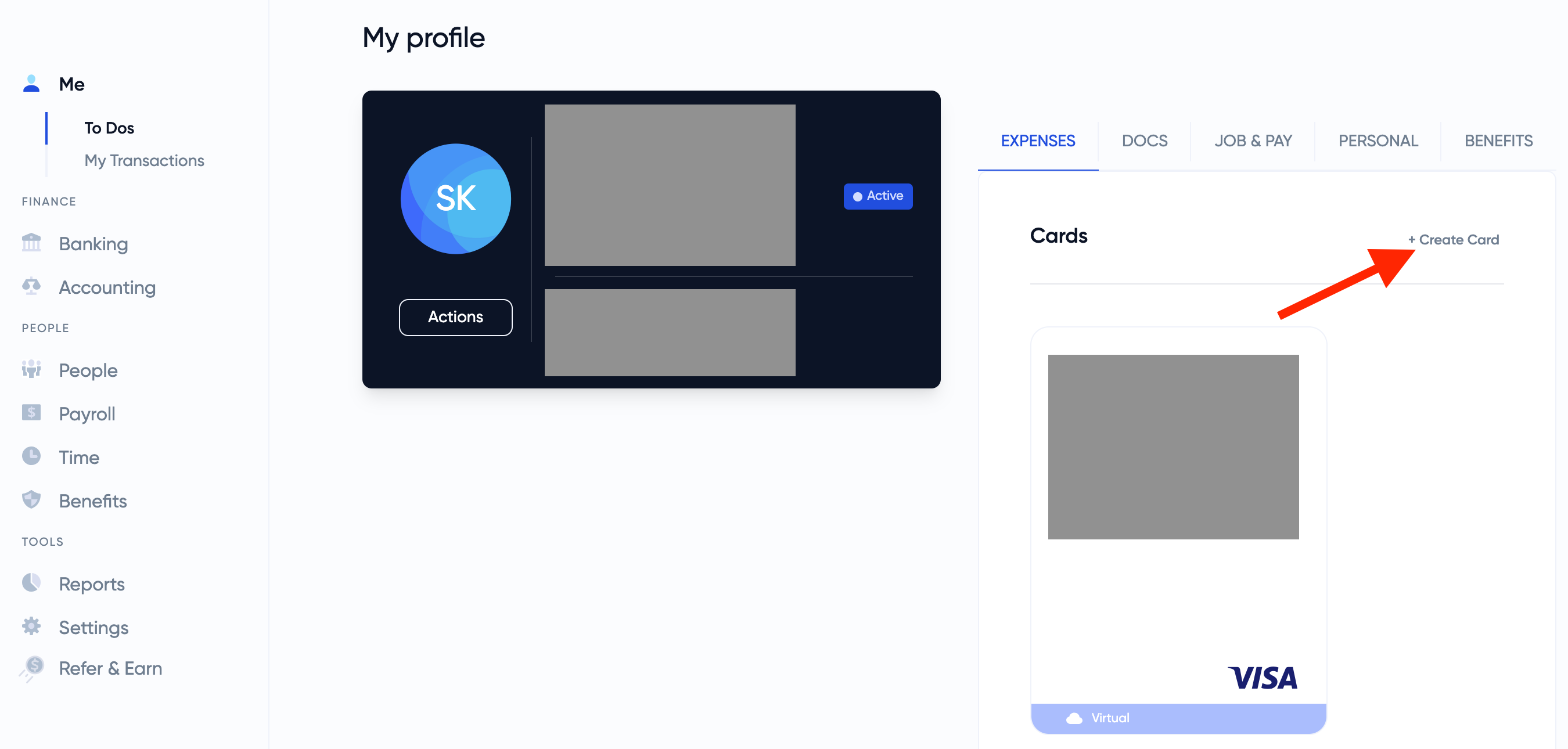
In the expenses section of your profile you will see all your current cards.
To create a new one, click on the "create card" option shown in the cards section as seen below
Create a new Card on the Banking Page:
Click on the Banking tab in the left hand menu
Click on the Cards subsection under the Banking tab in the left hand menu.
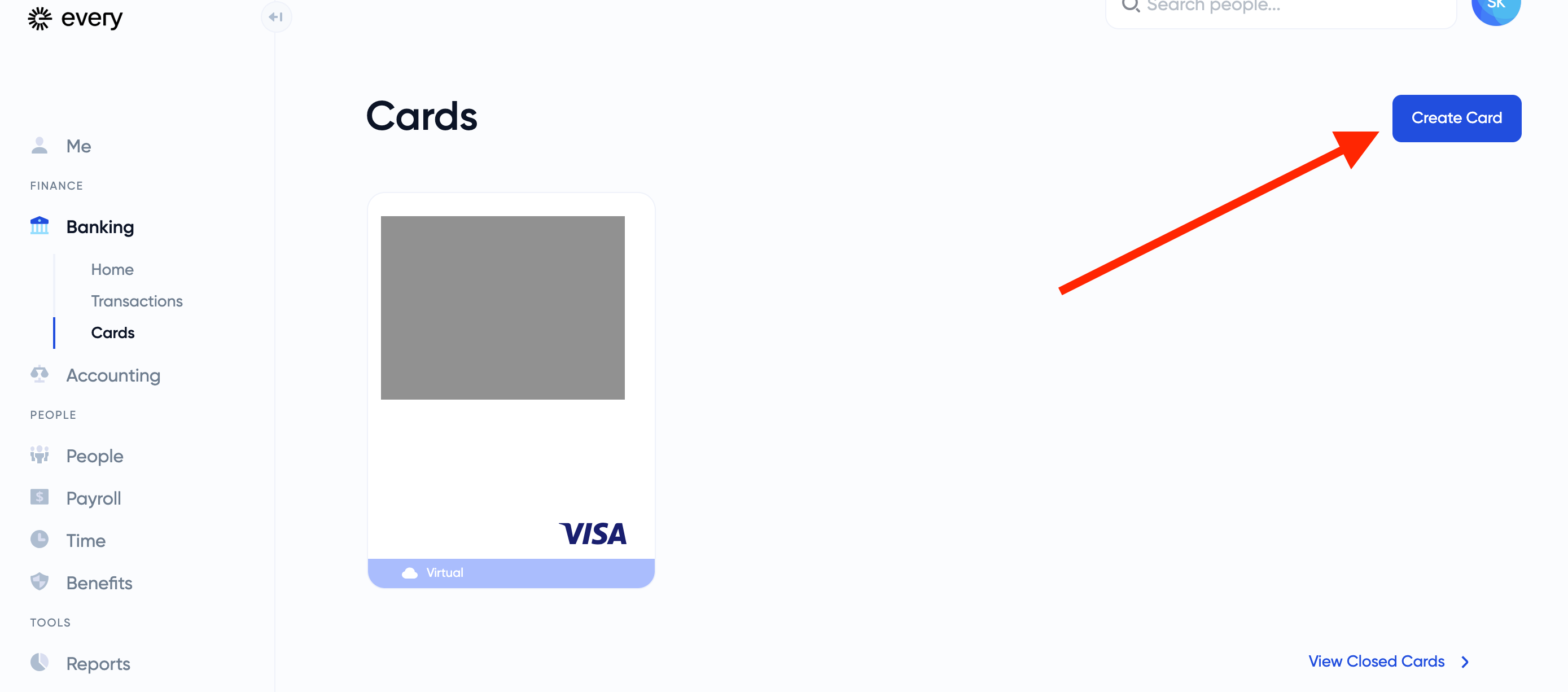
You will now see all your available cards here
To create a new one, click on the "create card" option shown in the top right hand corner
Once you have clicked on the create card button, whether on the Banking page or the Me page, you will be directed to the following form.
Filling out Create a New Card Form
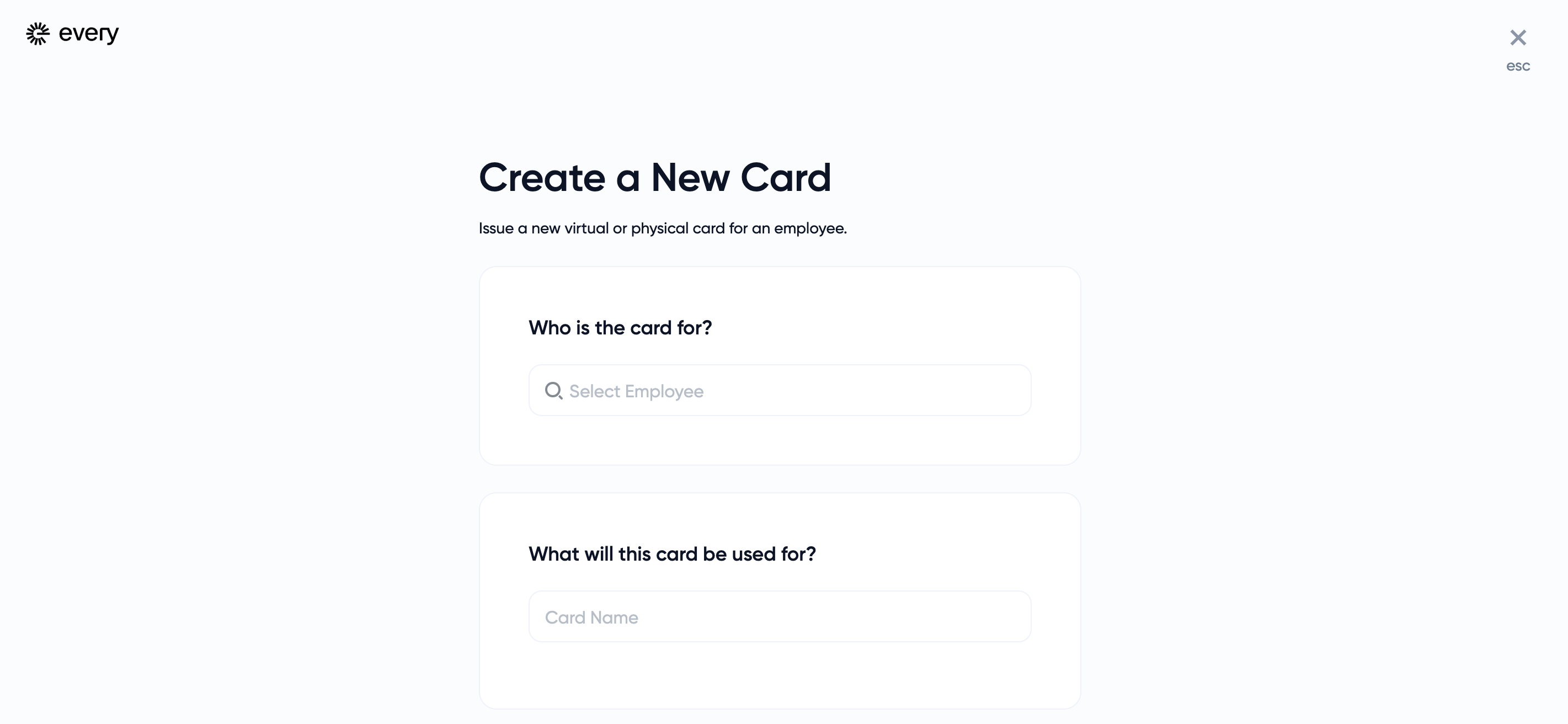
To fill out the form you will answer the following questions:
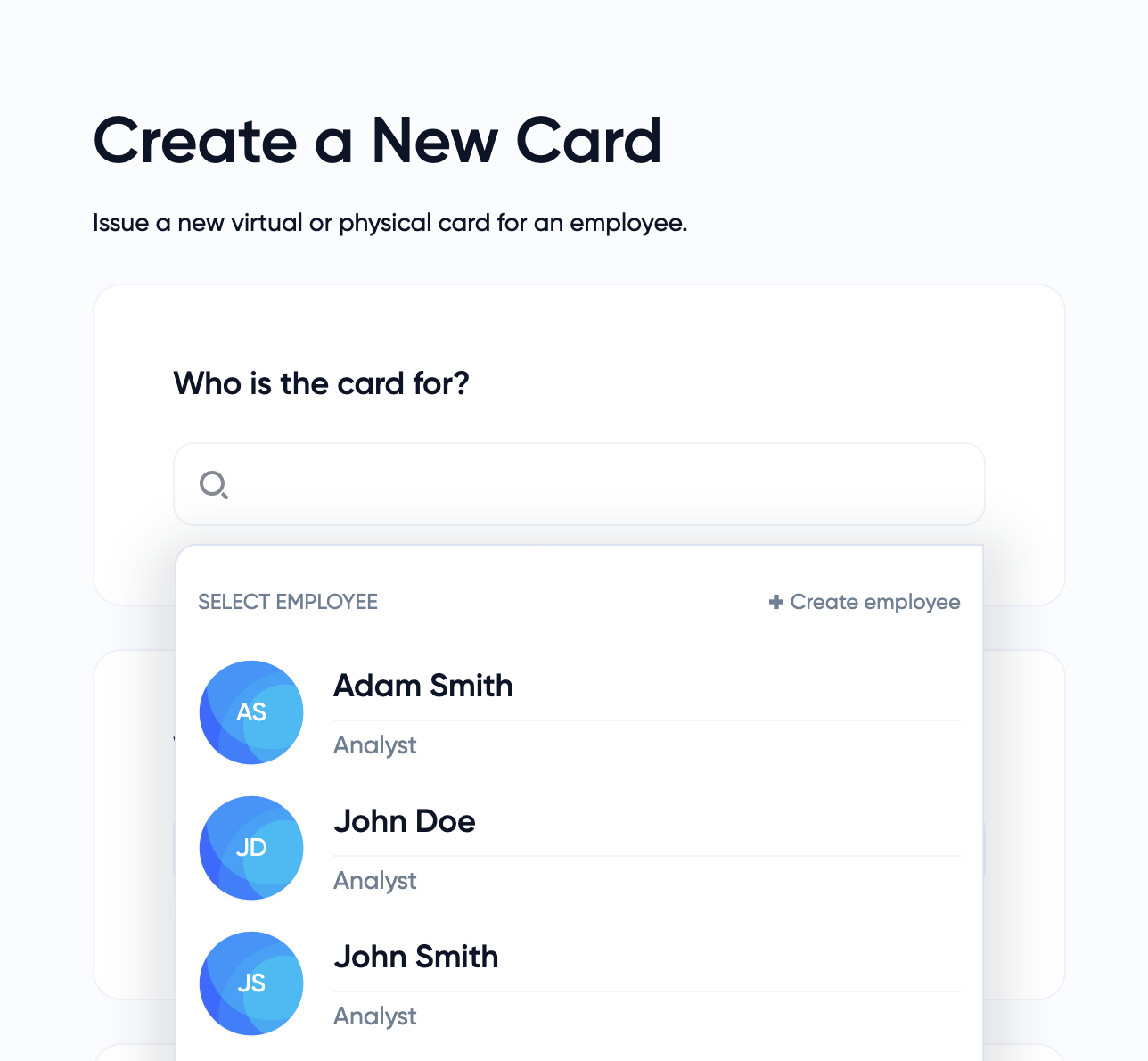
Who is this card for?
Here you can choose to assign which employee will be receiving this new corporate card. You may choose yourself as an option as well.
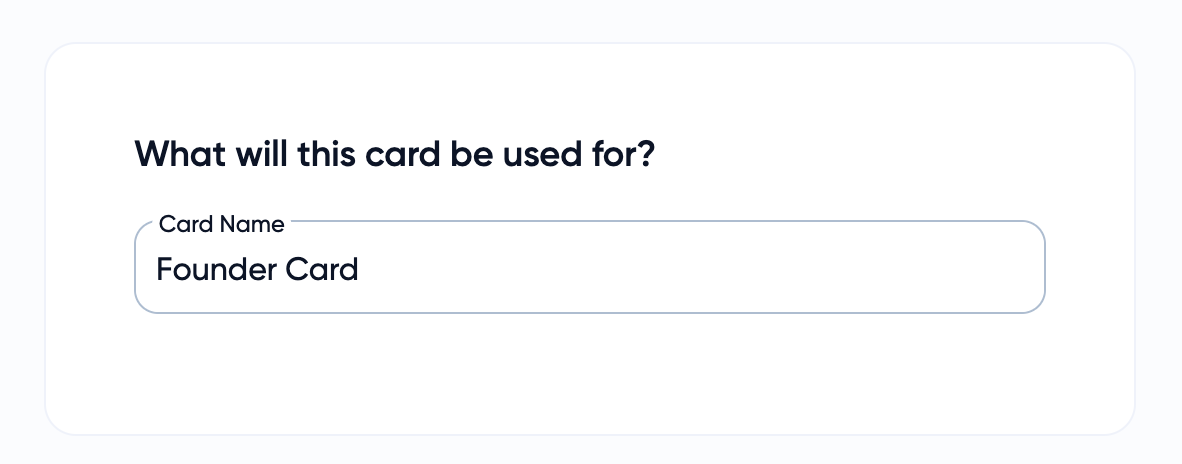
What will this card be used for?
In this section you will name your card so you may differentiate between multiple cards. If this is the first one you are creating usually our founders will name it simply Founder Card. However you may name it whatever you like!
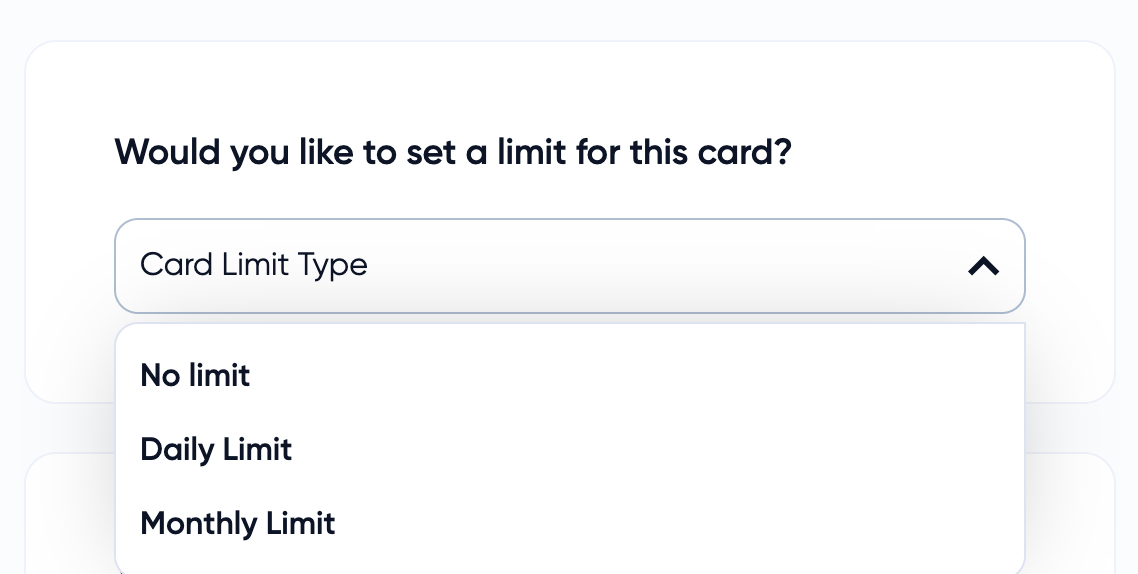
Would you like to set a limit for this card?
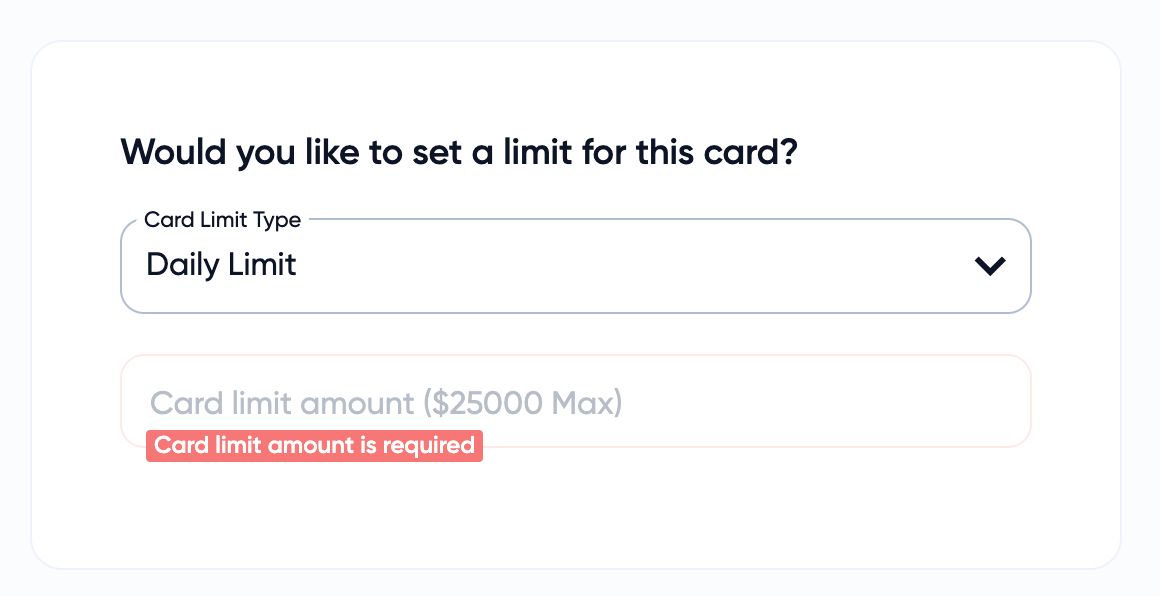
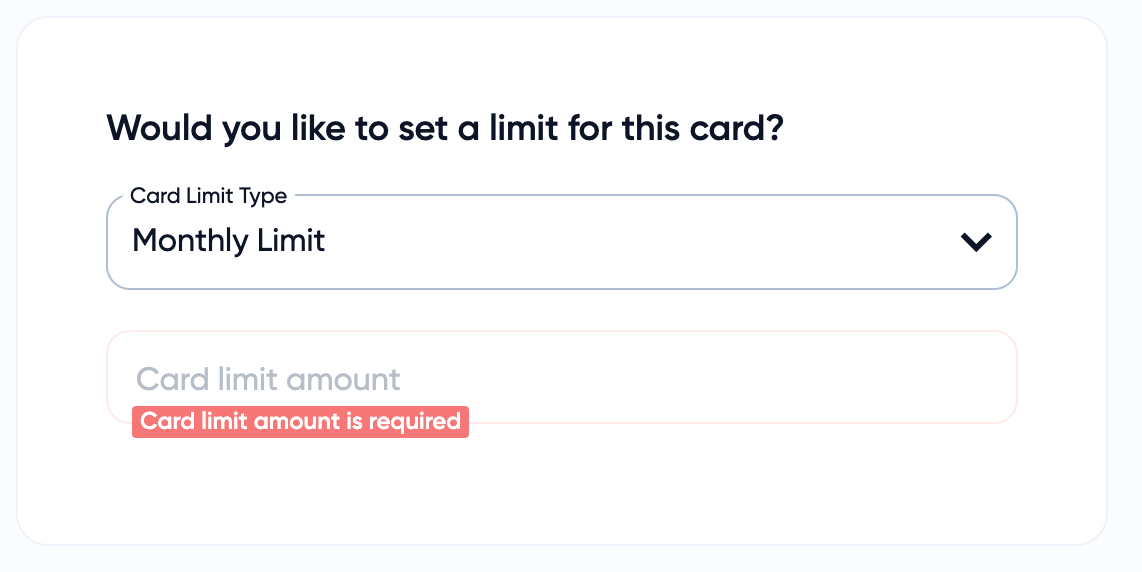
Here you will set the limit for your card. Founders usually choose No Limit on their founder card, but if you are using it for other reasons like travel or other expenses and/or are giving it to another employee you may choose to do a Daily or Monthly Limit.
A Daily Limit has a max of $250,000.
A Monthly Limit has n max amount
What kind of card do you want to issue?
This final question will ask you to chose whether you would like a virtual or physical card. If you choose virtual you will be able to submit the form and generate the new card.
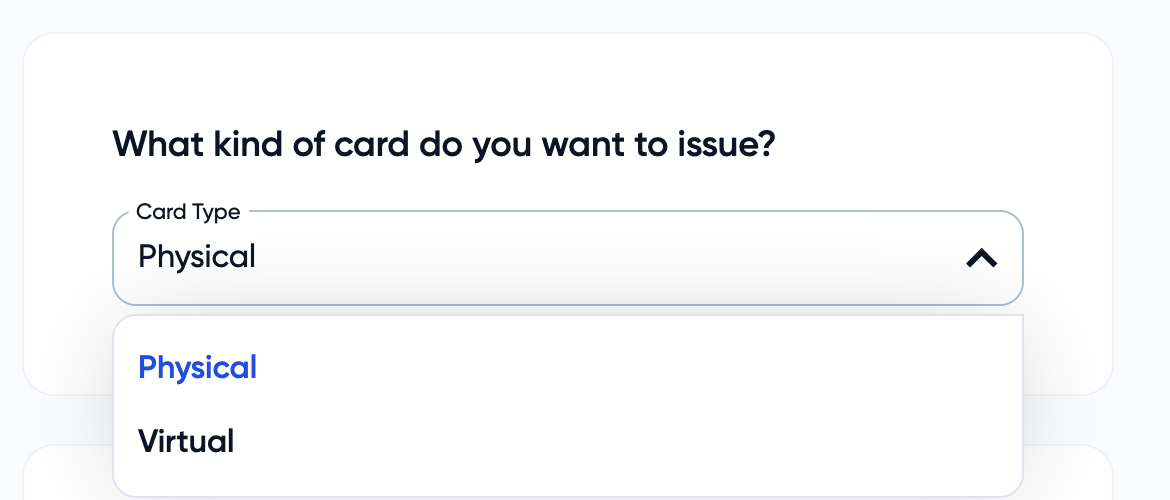
If you choose a physical card you will be prompted to provide an address so that the physical card can be shipped to you.
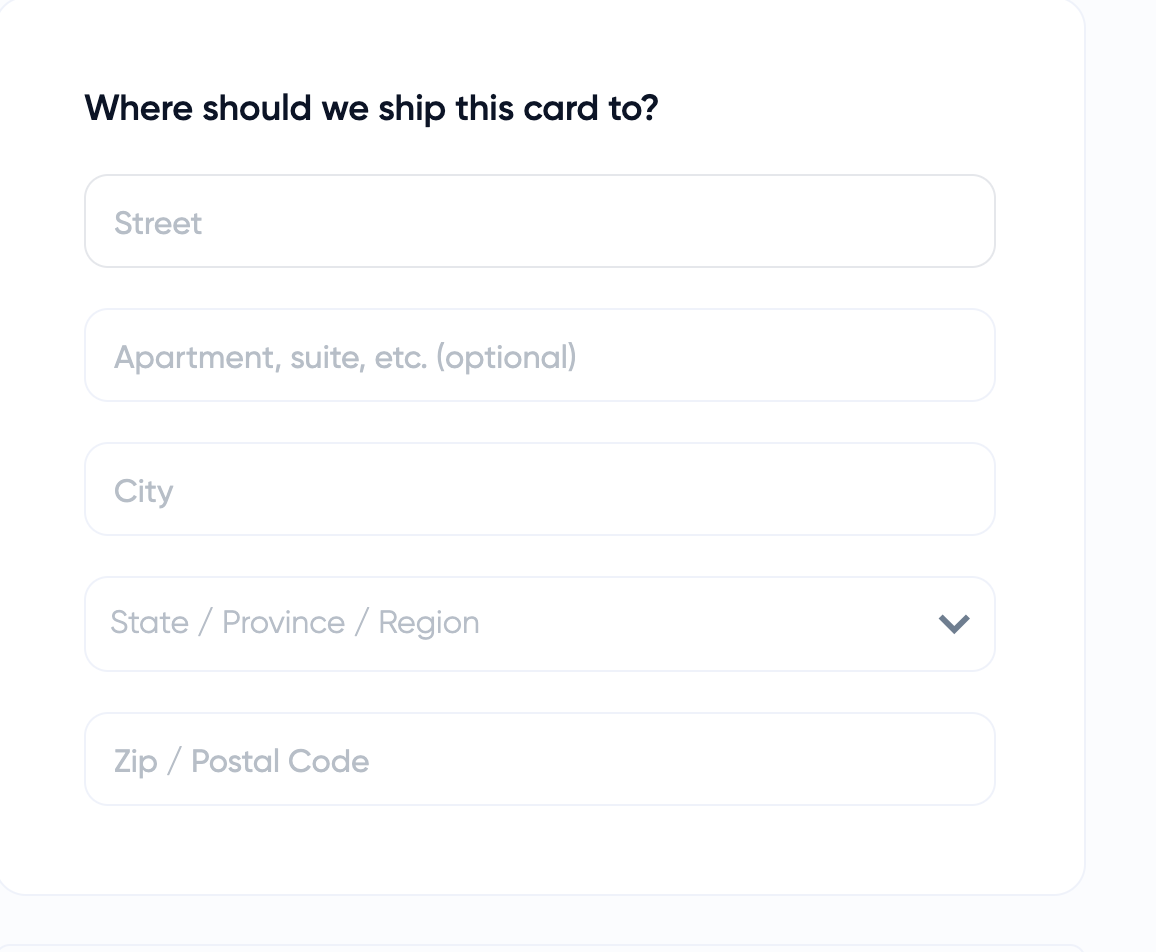
Once you provide the address you will be able to submit the form and the card creation process is complete.