Card Creation and Management
Last updated: April 16, 2026
How do I create a corporate debit or credit card?
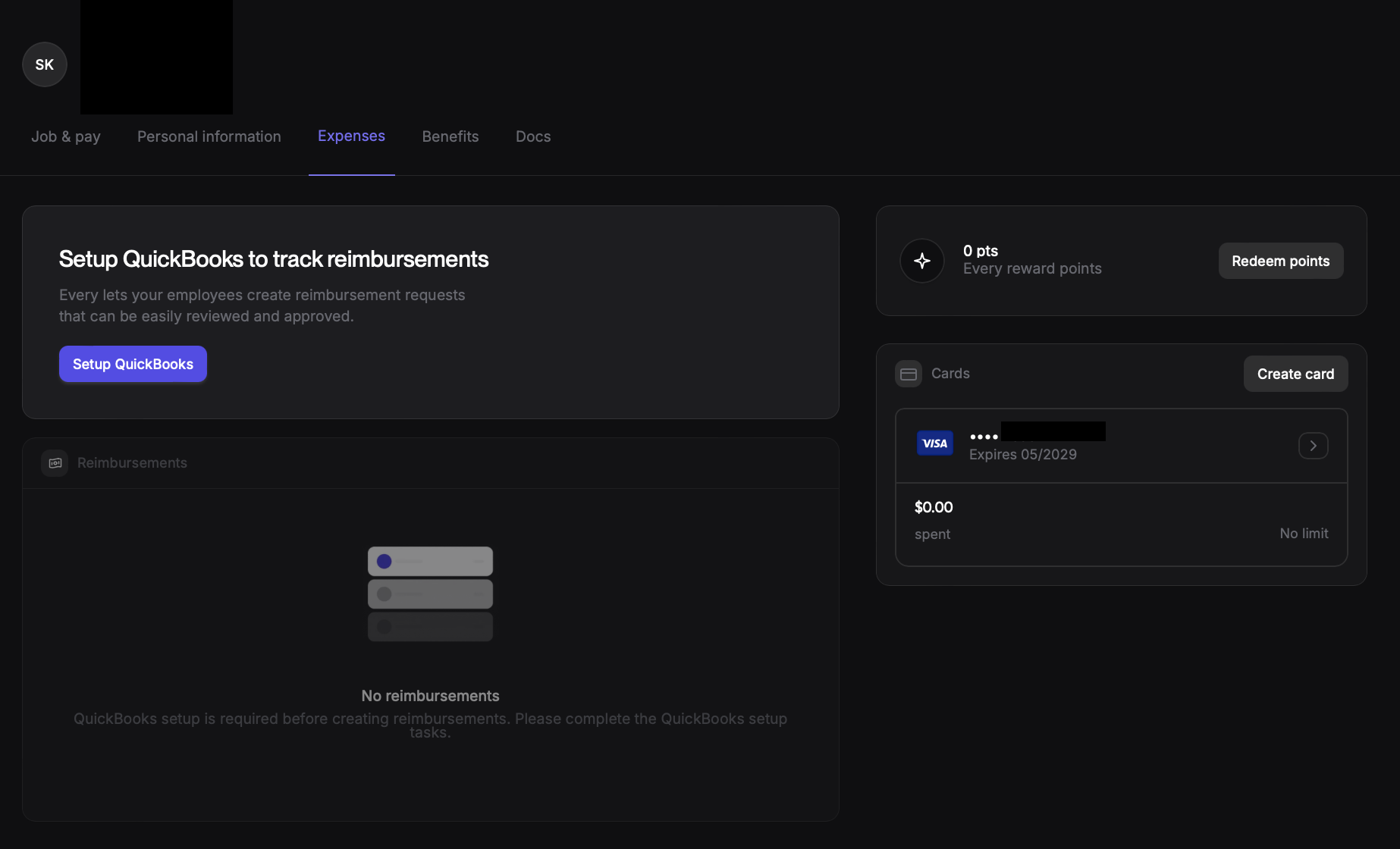
Go to My Profile
Go to Expenses Tab
Click on Create Card in the Cards Section
How do I add a card to apple wallet?
Go to the card you want to add, and click on it to show the card number
Get your phone, and go to the Wallet app
Click on the "+" button on the top right corner of the screen
Select "Debit or Credit"
With your phone you will take a picture of the card on your laptop screen
How do I set a spend limit on a debit card?
Go to Expenses Tab on your Profile
Scroll to the Cards Section
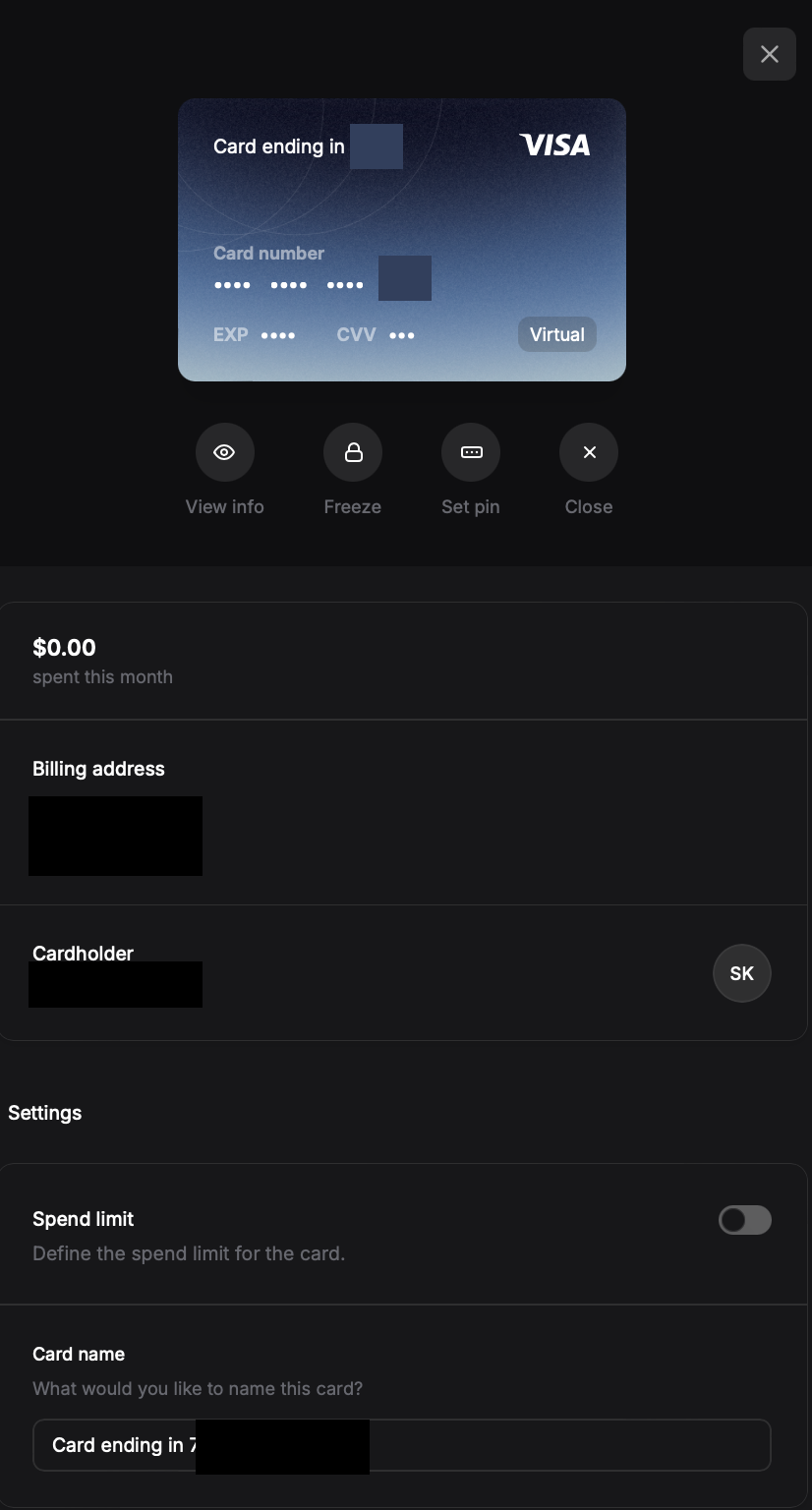
Click on the Card you wish to edit
Toggle on the Spend Limit section and Edit to the Limit you need it to be
How do I set a PIN on my debit card?
Go to Expenses Tab on your Profile
Scroll to the Cards Section
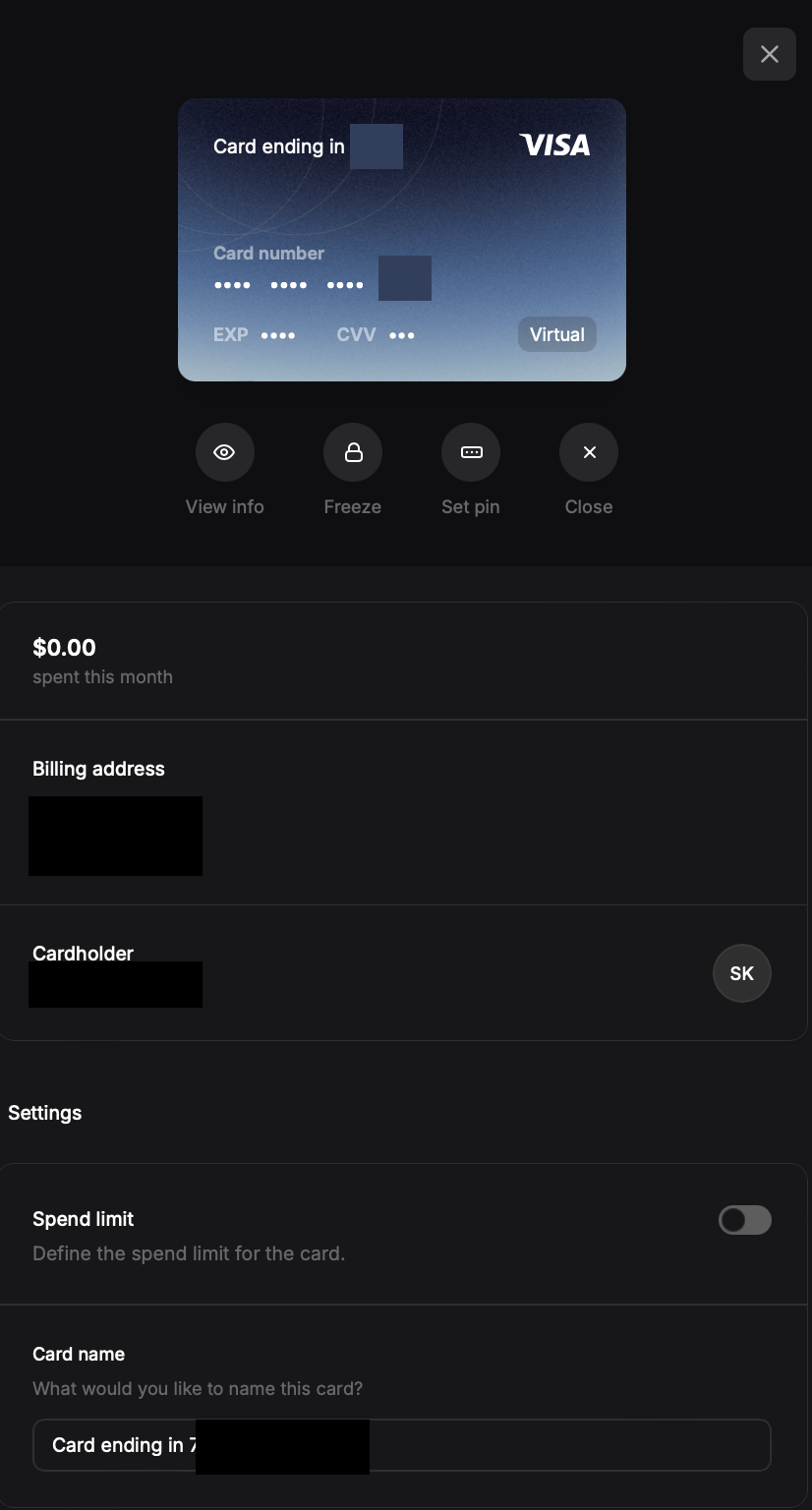
Click on the Card you wish to edit
Click on Set Pin Option under the Virtual Card
How much cashback do I receive when I use my debit card?
.5 point for every $1 in Card purchases if the checking account balance is under $250,000. (Equivalent to .5% cashback)
1 points for every $1 in Card purchases if the checking account balance is between $250,000 and $1,000,000. (Equivalent to 1% cashback)
2 points for every $1 in Card purchases if the checking account balance is over $1,000,000. (Equivalent to 2% cashback)
How do I freeze a debit card?
Go to Expenses Tab on your Profile
Scroll to the Cards Section
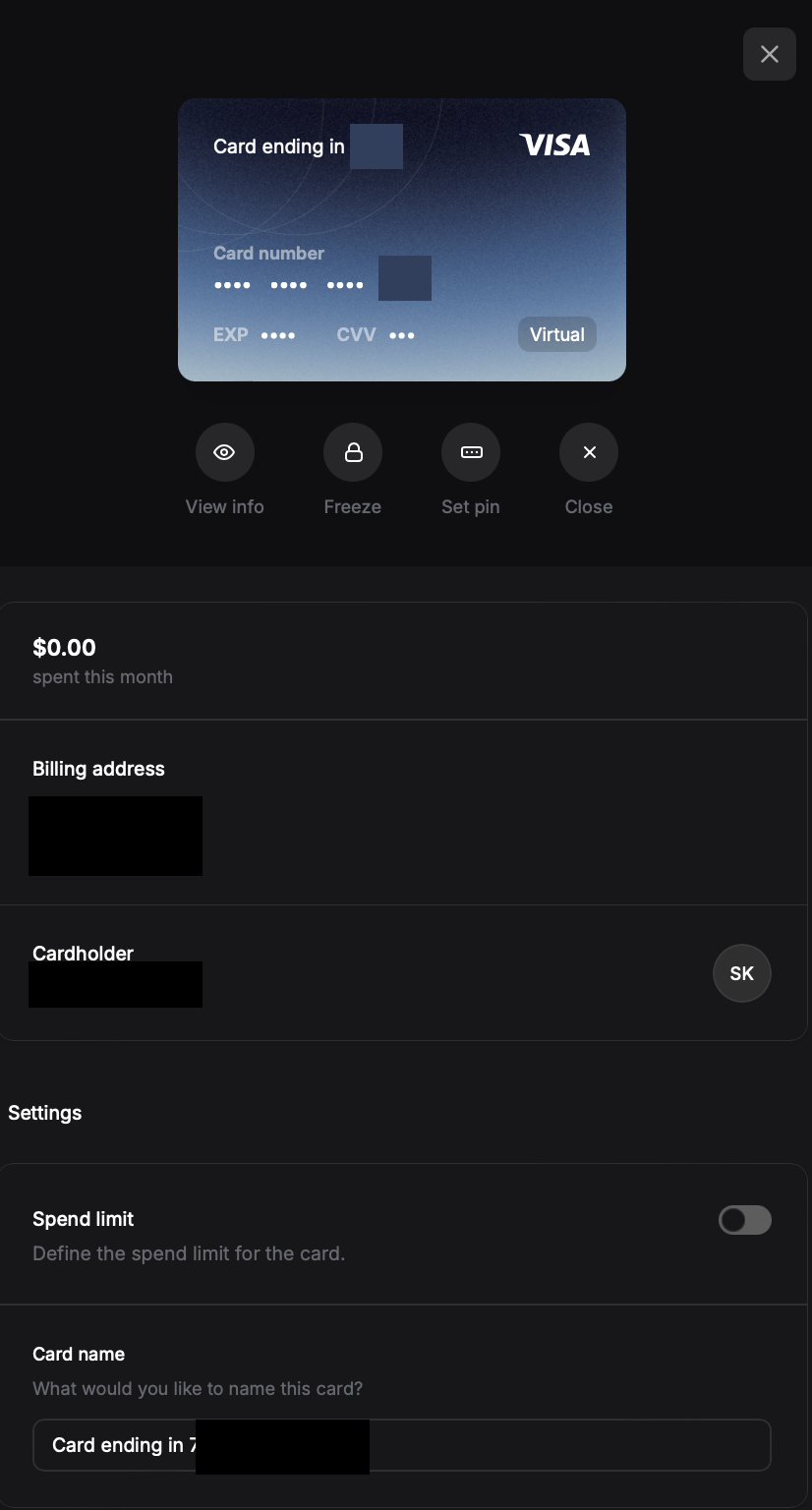
Click on the Card you wish to edit
Click on Freeze to freeze your Card
How do I unfreeze a debit card?
Go to Expenses Tab on your Profile
Scroll to the Cards Section
Click on the Card you wish to edit
Click on the Unfreeze button under the virtual card (where it used to Say Freeze before the card was frozen)
By following these steps, you can restore access to the frozen card and continue your work.