Reimbursements
Last updated: July 1, 2026
Reimbursing Yourself for Corporate Expenses :If you spent your personal money on a corporate expense, you can Reimburse yourself.
How can employees submit reimbursements?
Using Every, employees can submit reimbursement requests directly through the system. Here's how it works:
Initiate Request: Employees can easily create a reimbursement request by entering details like expense type, amount, and attaching receipts by going to the Me page and clicking on the "Create reimbursement"
Manager Approval: All employee-submitted requests require approval from their manager before processing.
Optional Admin Review: The system allows company admins & HR admins to review and approve reimbursements alongside managers.
Note: The features and functionalities described in this section are exclusively for US employees. International contractors should refer to the specific section for their process.
Can admins create reimbursements on behalf of employees?
Yes, company admins can create and process reimbursements on behalf of employees. This is particularly useful for:
Pre-approved Expenses: Reimbursing common, pre-approved expenses like travel stipends.
Employee Assistance: Helping employees who face difficulties submitting requests themselves.
Specific Expense Types: Admins can create reimbursements for approved expense categories that don't require additional manager approval, streamlining the process.
Here's the easy way for admins to create reimbursements:
Go to your profile section ( "Me") in the payroll system.
Look for a button or menu option that says "Create Reimbursement".
Choose the employee you're reimbursing.
Fill in the details like expense type, amount, and attach any receipts needed.
Submit the reimbursement!
Checking the Status of Your Reimbursement Request
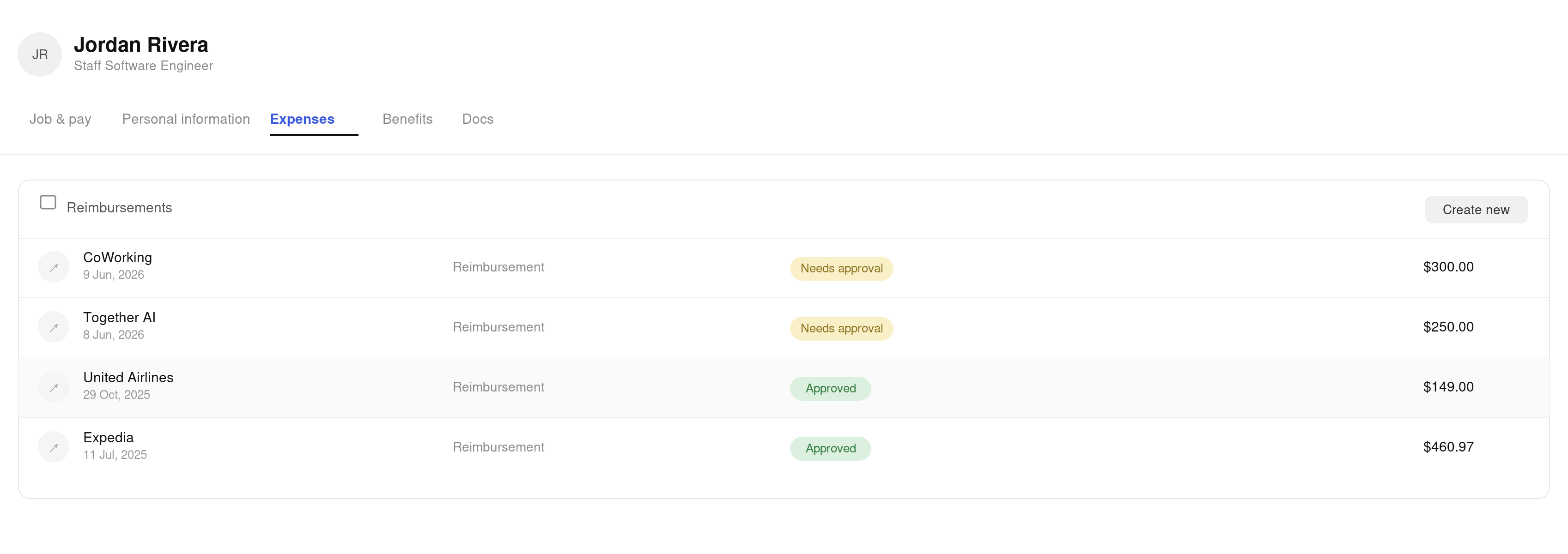
Once you've submitted your reimbursement request through the Every system, you can easily track its status directly within your account. Here's how:
Navigate to Your Me Page: Locate the section labeled "Me" on the left navigation.
Find the Reimbursement Section: This section is located at the bottom of the page below "Cards".
View Your Reimbursement Status: You should see a list of your submitted reimbursement requests. Each request will likely display its current status, indicating whether it's:
Approved: Your reimbursement has been processed and the funds will be deposited into your designated account.
Rejected: Your reimbursement request was not approved. You may be able to view additional details about the reason for rejection.
Reimbursing International Contractors
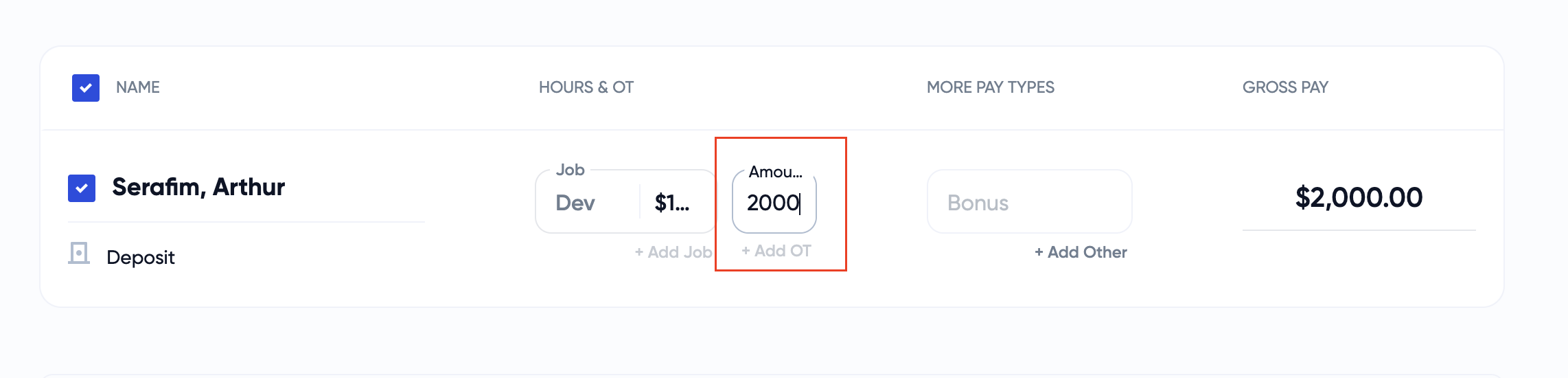
Currently, reimbursement is only supported for US bank accounts. International contractors cannot utilize this feature and must submit invoices directly to the administrator. Administrators can adjust the gross pay amount to reimburse contractors during the regular payroll process.
Here's how the process works:
International contractor submits the invoice directly to the HR or company administrator.
The HR or company administrator edits the gross pay amount value on the payroll system to include the reimbursement amount.