How do I find my international wire details in Every?
Last updated: May 21, 2026
Note: The International Wire Details section is only available for accounts with a Treasury account enabled. If your account does not have a Treasury account, this section will not appear.
You can find your international wire details by following these steps:
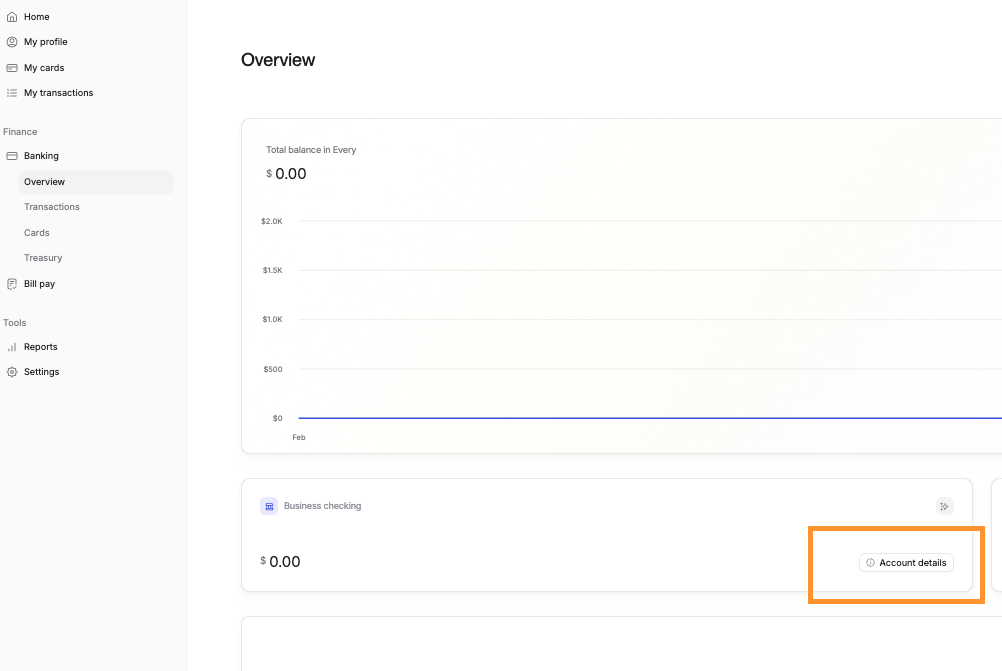
Navigate to Banking → Overview.
Locate the Business Checking card and click the Account Details link.
In the panel that opens, scroll down past the US bank account information to find the International Wire Details section.
The International Wire Details section includes the following information:
Beneficiary/Recipient Name
Routing Number
Account Number
Receiving Bank SWIFT
Receiving Bank Name
Beneficiary Name
Beneficiary Account
Reference/Memo