How do I transfer money between every.io and other bank accounts?
Last updated: July 26, 2024
Go to Banking Home
Click on the Add or Transfer funds button at the top right of the screen
Click on Transfer
Note: The above works if you are moving less than $100,000. If you need to transfer more than $100,000, you must send a wire to Every, or send a wire out of Every.
To send a wire from Every to an external account:
Go to Banking Home
Click on the Pay button at the top right of the screen
Make sure to select Wire as the payment method
To send a wire from an external account to Every
Get your every.io bank account and routing number
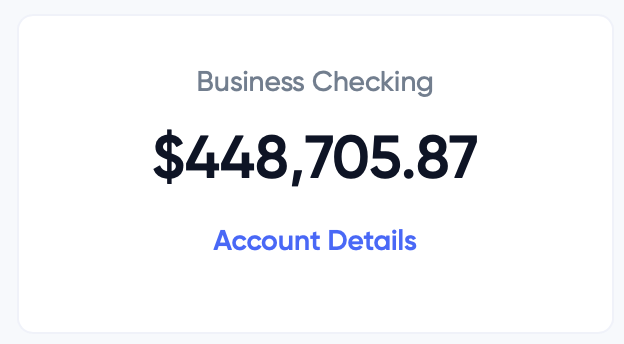
Go to Banking Home
Click on the Account Details link here
Go to your other bank, and send a wire using your every.io account and routing number