The 1099 Filing Process In Every
Last updated: April 9, 2026
In order for Every to file your 1099s correctly, we need your help. Here are the steps you can follow to identify and tag which vendors require a 1099, and request W-9 forms from the vendors that we don't have information for.
Step 1: Identify which vendors require a 1099
We need to file 1099s for anyone you paid over $600 to in 2025 via ACH or Wire (not card) that is not a C or S Corp.
The most common types of vendors that require 1099s are:
- Independent contractors
- Agencies that are LLCs (not C or S Corps)
- Lawyers (even if they are C Corps, this is the one exception)
- Landlords that you paid directly from your business account
If you have another bank (Brex, Mercury etc) that used to make payments to any of the above types of vendors, you will need to add them to Every.io in Step 2 below. If you paid a contractor in Every Payroll/Rippling/Gusto, you will don’t need to file these, as they are done automatically in most payroll systems.
Step 2: Tag vendors that require a 1099 in Every
For each of the vendors you have identified above (excluding any contractors you paid via Every Payroll), tag them on the Vendor page:
Go to Accounting/Vendors Page
Find the Vendo
If the Vendor doesn't exist
Email the vendor and ask them to fill out this form. Then click "Add Vendor" to add them to Every
If the Vendor already exists
Find the Vendor, click the Edit icon (you will see it when you hover over the row)
Look for this question and answer yes: "Would you like to request a 1099 filing for this vendor for 2025?"
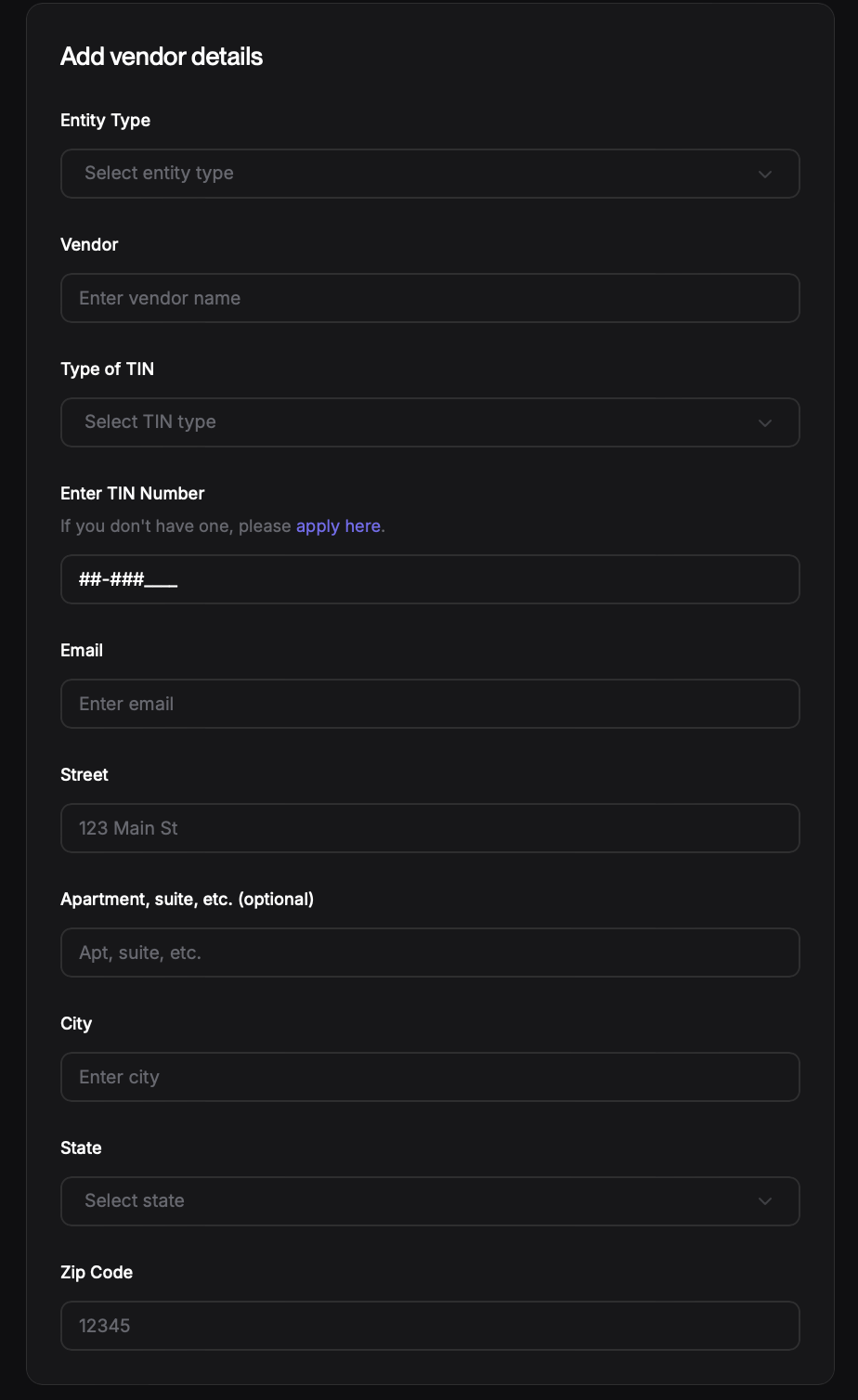
Make sure to fill in all of the fields in the "Add vendor details" box. If any are missing, we won't be able to file taxes for them