How to Move Funds from Your Treasury Account to Your Checking Account
Last updated: April 9, 2026
Note: You must have Company Admin permissions to transfer funds between accounts.
To move funds from your Treasury (Money Market) account to your Every Checking Account:
Log in to your Every account
Go to the Banking page at https://app.every.io/banking/home
Select the Move Money button.

Click Transfer.
In the transfer form:
Enter the amount you want to move.
Under Transfer From, select Money Market.
The To Account will default to your Every Checking Account.
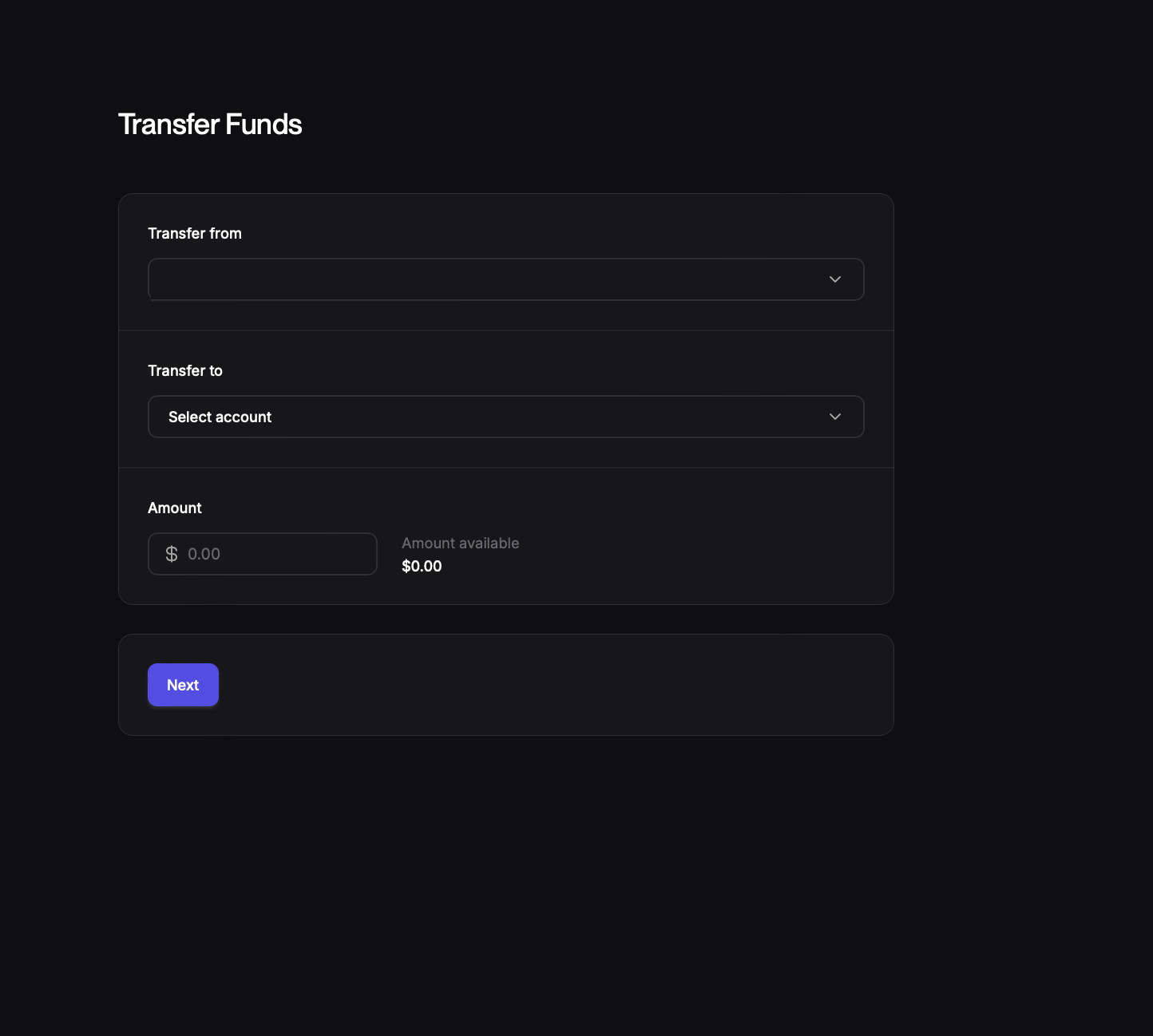
Click Next.
Review the details and click Submit to complete the transfer.